Updates are meant to arrive quietly, like careful maintenance performed overnight. A system refreshes, vulnerabilities close, and by morning everything feels steadier, safer. For most users, security patches are background events — invisible guardians that keep digital life intact.
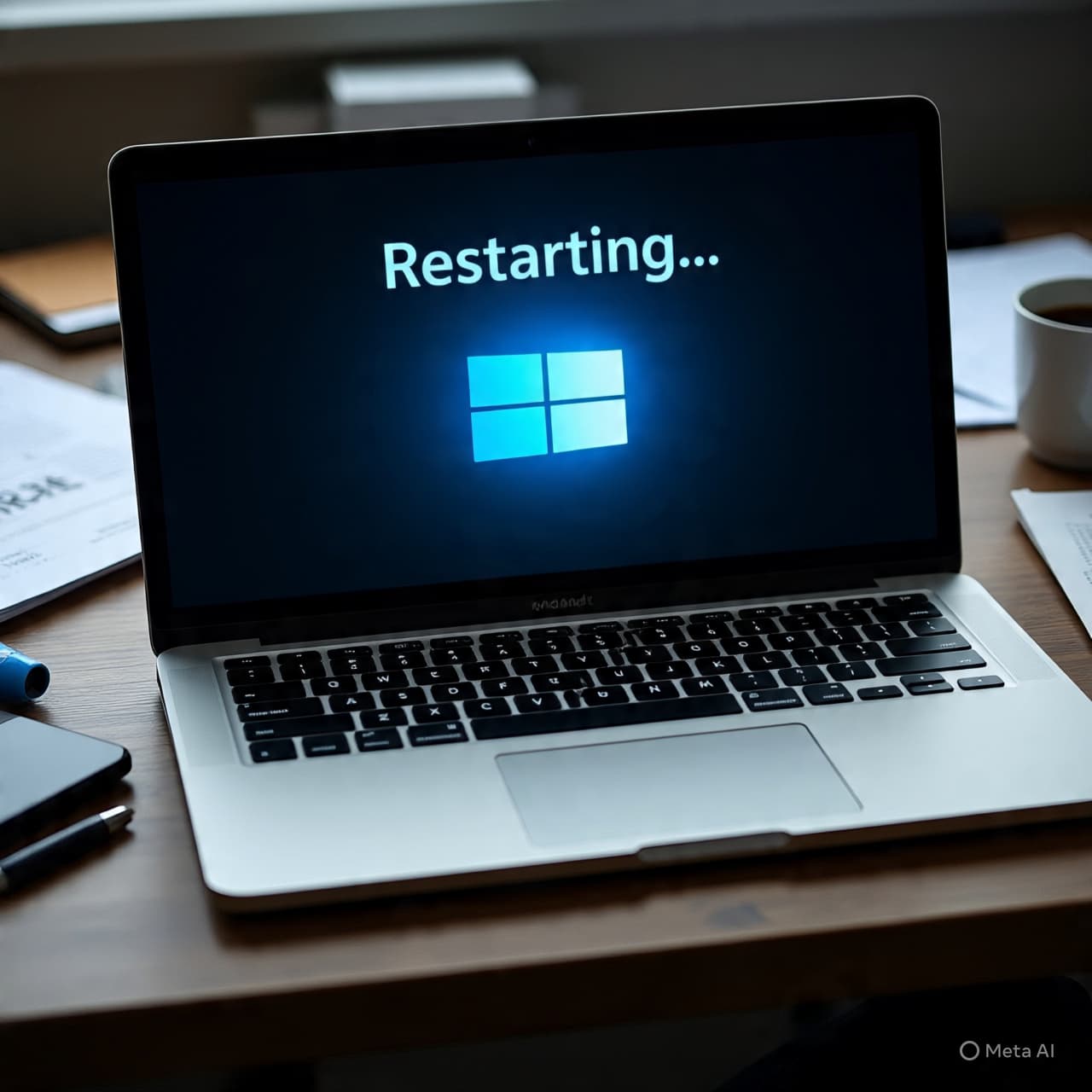
But occasionally, an update interrupts rather than protects. That appears to be the experience for some users following the release of KB5077181 for . Reports from multiple tech outlets suggest that after installing the February security update, certain devices entered a repeated restart cycle, commonly described as an “infinite loop.”
The issue, according to early accounts, occurs after installation and reboot. Instead of loading normally into the desktop environment, affected systems reportedly cycle through startup, attempt to load the operating system, and then restart again. For users caught in the loop, access to files and applications becomes temporarily unreachable without troubleshooting steps such as entering recovery mode or uninstalling the update.
KB5077181 was issued as part of Microsoft’s routine Patch Tuesday rollout, intended to address security vulnerabilities and system stability improvements. Security updates of this nature are typically cumulative, bundling fixes and incremental refinements into a single installation package. While the majority of devices appear to have installed the update without incident, a subset of users across forums and support channels has documented the restart behavior.
Technology publications including Windows-focused outlets and broader IT news platforms have noted that the problem may be hardware-specific or related to particular driver configurations. Some users have reported that systems equipped with older drivers or specific firmware combinations are more prone to the issue, though Microsoft has not publicly confirmed a single root cause.
Workarounds circulated online include booting into Windows Recovery Environment, uninstalling the latest quality update, and temporarily pausing further updates until clarification arrives. In certain cases, advanced users have attempted manual repair commands via Command Prompt, though such measures are not recommended without technical familiarity.
Microsoft has acknowledged reports of installation complications in the past with cumulative updates and often responds with either a known-issues notice or an out-of-band fix if necessary. As of the latest coverage, the company is said to be investigating the situation, though no universal rollback has been announced.
Situations like this highlight the delicate balance between security urgency and system compatibility. Monthly updates close potential vulnerabilities that could expose users to cyber threats. At the same time, the diversity of hardware environments in the Windows ecosystem makes flawless deployment complex.
For many users, the experience underscores a familiar paradox: updates are essential, yet occasionally disruptive. The broader expectation remains that Microsoft will identify affected configurations and provide corrective guidance if the issue proves widespread.
In straightforward terms, some Windows 11 users report that installing update KB5077181 has caused their devices to enter repeated restart loops; Microsoft is reportedly investigating, and users may need to uninstall the update through recovery options if affected.
AI Image Disclaimer Images in this article are AI-generated illustrations, meant for concept only.
Sources: Windows Latest BleepingComputer Neowin The Verge ZDNet
Published by Banx Network. This article is part of the Banx decentralized media programme, powered by the BXE token on the XRP Ledger.