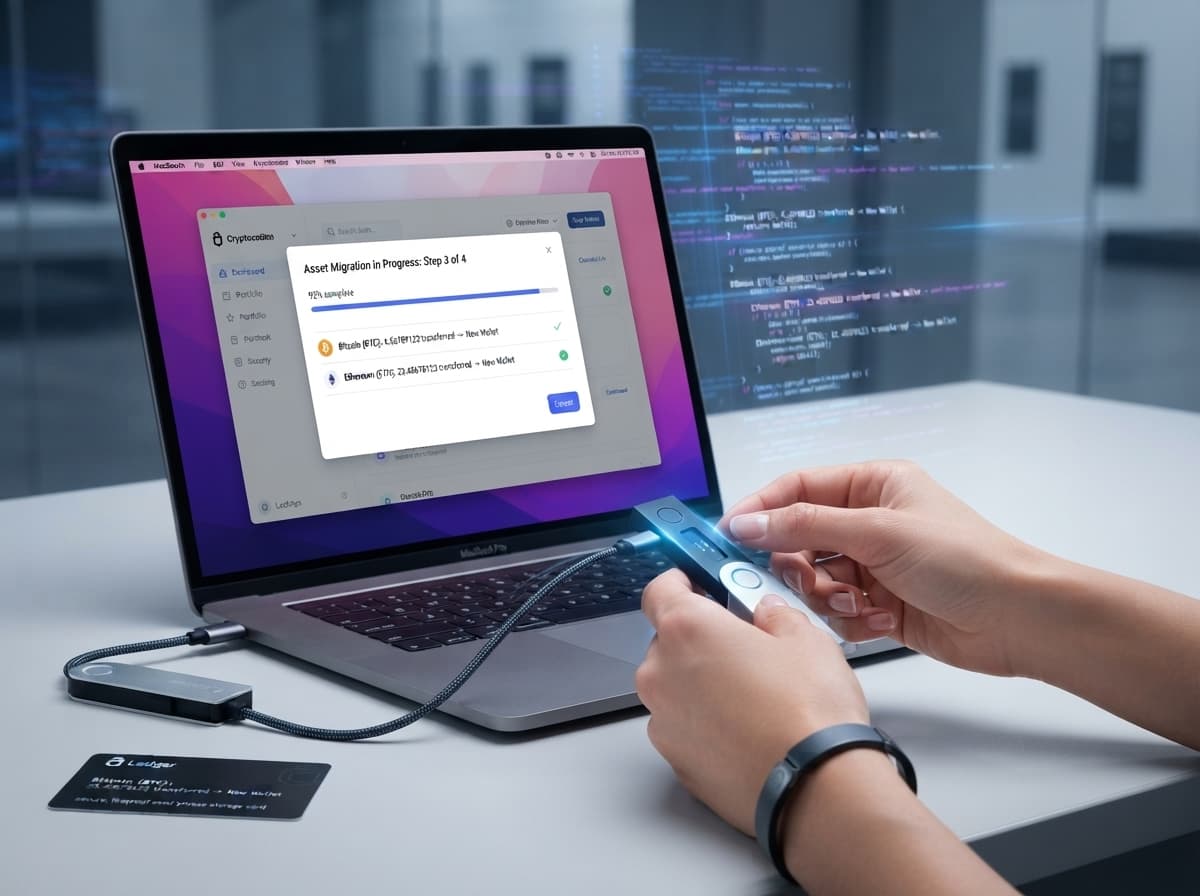
Migrating cryptocurrency to a new wallet is a straightforward process, but it requires careful attention. Unlike traditional bank transfers, crypto transactions are generally irreversible, meaning a mistake can result in permanent loss of funds.
1. Verify the new wallet
Only download wallet software or purchase hardware wallets through official sources. Before transferring funds, confirm that the wallet supports the assets and networks you intend to use. Trezor recommends creating a new wallet and transferring assets rather than importing an existing wallet backup when moving to new hardware. [1]
2. Protect your recovery phrase
Your Secret Recovery Phrase or seed phrase is effectively the master key to a self-custodial wallet. Anyone who obtains it may be able to control the assets associated with the wallet. MetaMask advises users never to share their recovery phrase or private keys, including with supposed support representatives. [2]
Keep the recovery phrase offline and never store it in an email, screenshot, cloud document or other easily accessible digital location. [2]
3. Verify the receiving address
When preparing the transfer, carefully check the destination address and make sure you are using the correct network. For hardware wallets, verify the address on the device itself where possible rather than relying solely on the computer or phone displaying it. [3]
4. Send a small test transaction
Before moving a large balance, consider sending a small amount first. Confirm that the transaction reaches the intended wallet and that the correct asset and network were used. Once confirmed, the remaining balance can be transferred.
5. Complete the migration carefully
After the test transaction succeeds, transfer the remaining assets. Check the transaction status using the relevant blockchain explorer and keep records of the completed transfers.
If you believe the original wallet or recovery phrase has been compromised, treat it as compromised and move assets to a newly created wallet as soon as safely possible. Trezor specifically recommends moving funds to a wallet with a new backup when a wallet backup may have been compromised. [1]
Wallet security ultimately depends on protecting private access information and verifying every transaction. Taking a few extra minutes to check addresses, networks and recovery procedures can significantly reduce avoidable mistakes.
[1] Trezor, Moving to Trezor from Another Wallet and Move Crypto to a Wallet With a New Wallet Backup.
[2] MetaMask, How to Secure Your Secret Recovery Phrase and Password.
[3] Bitcoin.org, Securing Your Wallet.
[4] Federal Trade Commission, What To Know About Cryptocurrency and Scams.
Editorial note: This article is educational and does not constitute financial advice or a recommendation to buy, sell, or hold any cryptocurrency.
Published by Banx Network. This article is part of the Banx decentralized media programme, powered by the BXE token on the XRP Ledger.