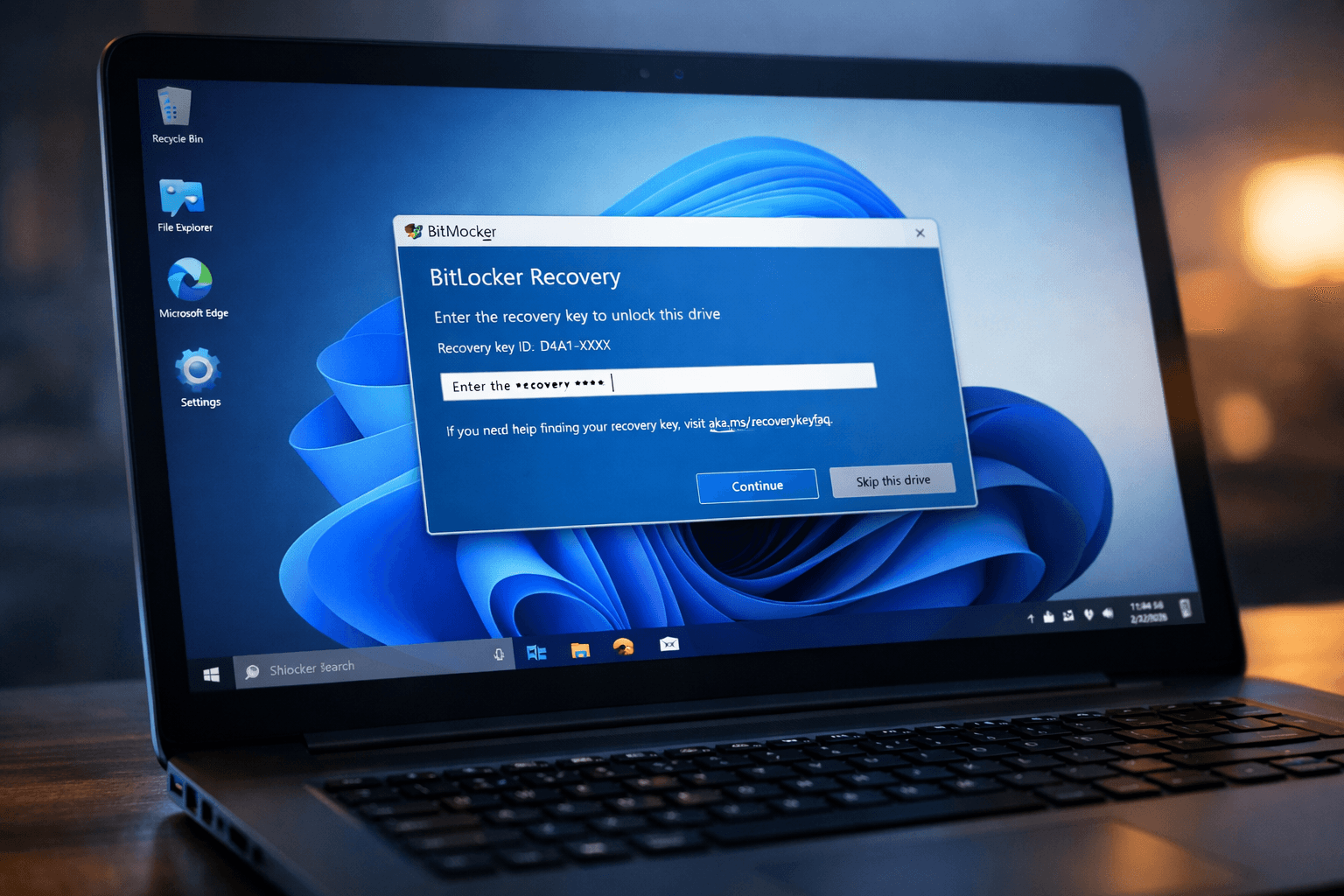
In the quiet rhythm of digital life, where updates come and go like the seasons, one arrives with a subtle promise — not thunderous change, but refined nourishment for the machine heart that many of us rely on. Microsoft’s February non-security preview for Windows 11, known by its technical name KB5077241, feels a bit like tending to a garden at dawn: pruning where needed, refreshing the soil, and planting seeds for capabilities yet to bloom. � BleepingComputer + 1 This optional update does not shout from the rooftops. Instead, it offers thoughtful adjustments — quiet refinements that, once noticed, make a day’s work feel just a bit smoother. Among these is an improvement to BitLocker, the guardian of encrypted data that, for some users, has been a stubborn sentry. The update carefully corrects a bothersome freeze that could occur after entering a recovery key, giving back a sense of steadiness to those who trust BitLocker with their most private files. � MalwareTips Forums There is also a sense of connection woven into this update — a built-in network speed test that lives in the taskbar, waiting to be called upon when we wonder about the quality of our digital highway. Previously, such a test might have required a wandering journey through third-party tools; now it resides quietly at the edge of our screen, ready to reflect back the truth of our connection. � MalwareTips Forums For the watchful eye and the cautious administrator, there is native Sysmon functionality — System Monitor — now an optional component of Windows itself. In past seasons, this powerful sysadmin tool had been added by hand; with KB5077241 it becomes part of the landscape, dormant until one chooses to awaken it, offering detailed visibility into system events and behavior. � Dukungan Microsoft + 1 Other subtle gifts arrive in the form of visual comfort — support for WebP images as desktop wallpapers and a select set of updated emojis — and practical refinements in camera pan and tilt controls, reliability when waking from sleep, and the responsiveness of the update settings page. � Windows Central There is a gentle invitation here: take a moment to pause, install the preview, and feel the slight adjust of your digital environment — improvements designed not to dazzle, but to support. In an age of constant change, sometimes it is these quieter refinements that echo most deeply in our everyday use. In practical terms, users can install this preview through the Windows Update settings under “Check for updates,” or, for those who prefer direct control, via the Microsoft Update Catalog. As with all preview releases, these changes are optional and non-security in nature, slated to be refined further before they become part of the next official Patch Tuesday cycle. � BleepingComputer + 1 Even as we embrace more visible innovations in computing — AI assistants, new user interfaces, and broader platform shifts — it is worth remembering that the quieter updates like KB5077241 are the unseen rivets that keep the whole structure secure, responsive, and resilient beneath our fingertips.
AI Image Disclaimer (Rotated) Visuals are created with AI tools and are not real photographs; they serve to illustrate concepts only
Published by Banx Network. This article is part of the Banx decentralized media programme, powered by the BXE token on the XRP Ledger.